Aqua Client features
Current launcher and in-game tools, grouped by what they do.
Performance and HUD
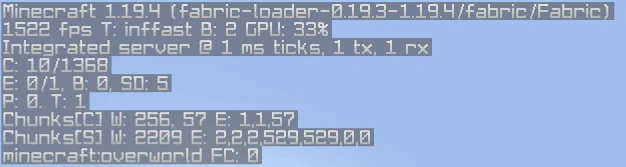
- FPS Boost tools
- Aqua includes performance options. Results depend on the computer, Minecraft version, settings, and mods.
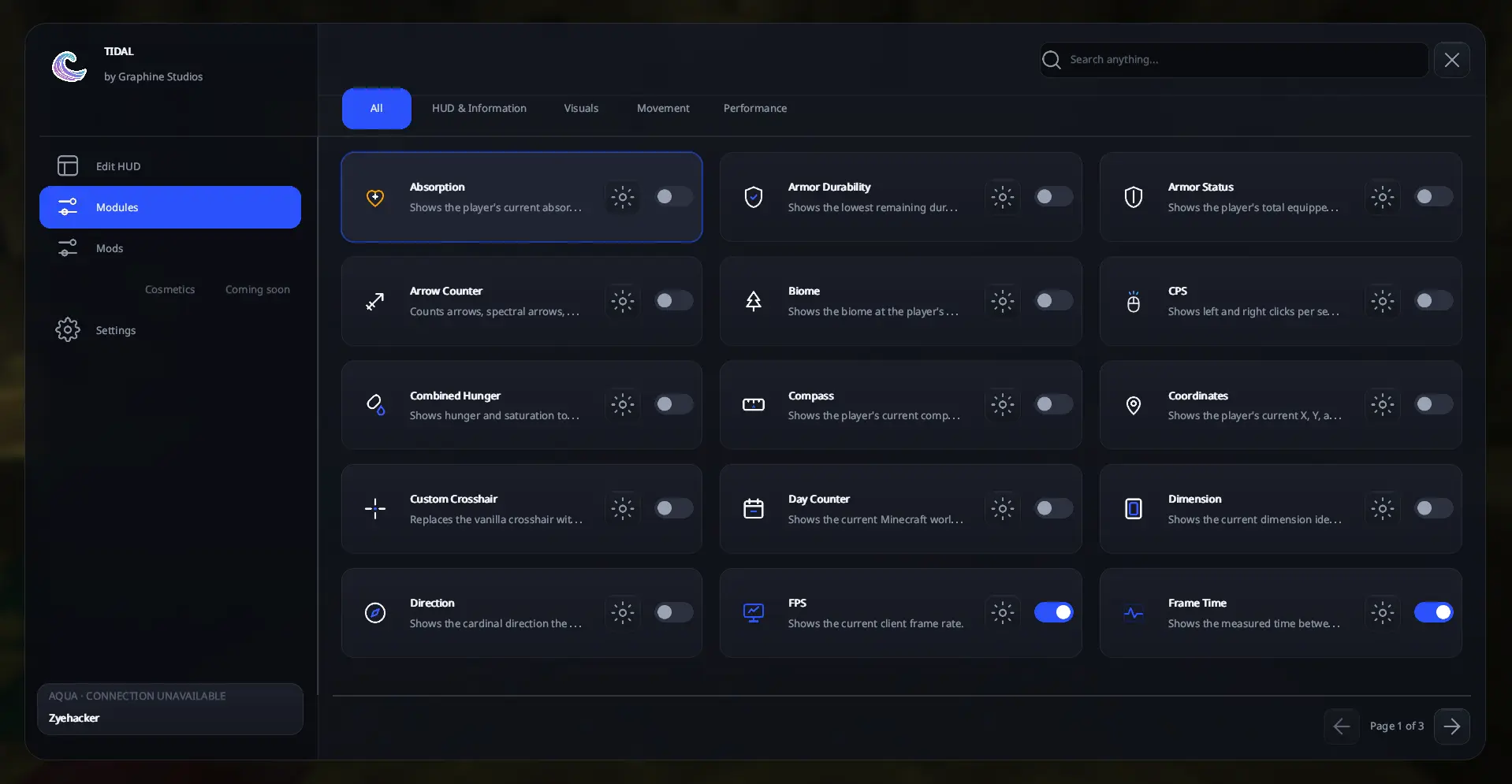
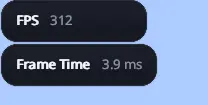
- Configurable HUD
- Choose to display FPS, memory, coordinates, biome, ping, and server details.
Launcher setup
- Separate instances
- Keep Minecraft versions, mods, and settings in separate instances.
- Fabric and Forge
- Choose either supported mod loader when setting up an instance.
- Java runtimes
- Aqua manages a Java runtime for each instance.
Mods and community
- Modrinth installs
- Install Modrinth projects through their install option; Aqua also downloads their dependencies.
- Badges and Featured servers
- Aqua includes badges and a Featured servers area in the client.