
What Aqua Client is
Aqua is a Minecraft Java launcher and client. It manages game instances and includes configurable HUD modules and other in-game tools.
See the shipped featuresFree · Windows x64 · Linux x86_64 · Apple Silicon macOS
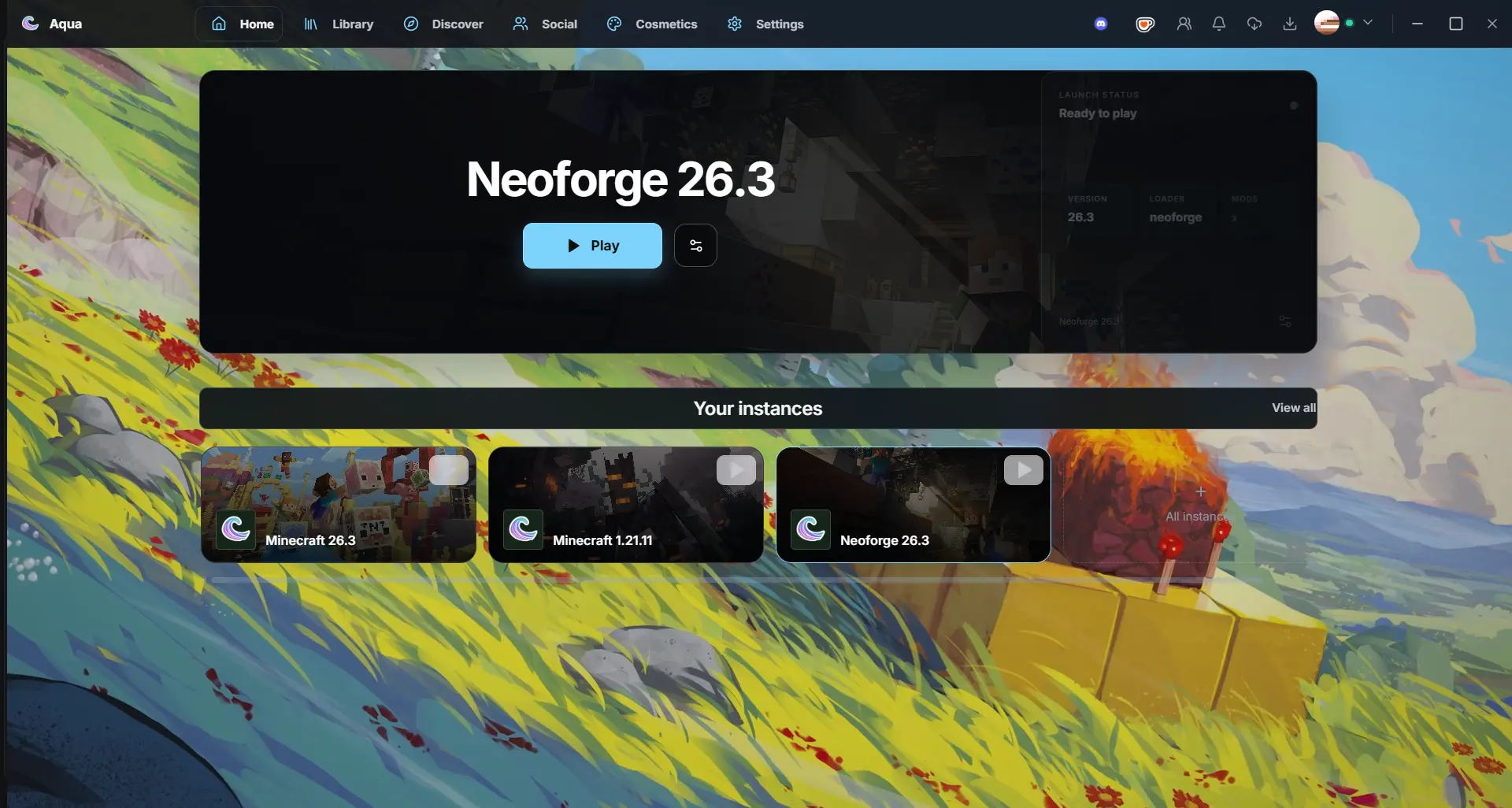
Aqua is a free, lightweight Minecraft Java launcher built for low-end PCs, with launcher setup and in-game tools in one app.
Aqua is a Minecraft Java launcher and client. It manages game instances and includes configurable HUD modules and other in-game tools.
See the shipped featuresAqua is for Minecraft Java players looking for a lightweight Minecraft launcher and client tools, including players using low-end PCs. FPS results vary by computer, game version, settings, and mods; Aqua does not publish benchmark results.
Compare Minecraft launchersNo minimum CPU or memory specification is published. Current packages target 64-bit Windows 10/11, x86_64 Linux, and Apple Silicon macOS. Aqua manages Java for each instance; Minecraft 1.20.5 and later require Java 21.
Read setup documentationPublished release packages include a Windows x64 installer, Linux x86_64 AppImage and .deb files, and Apple Silicon macOS .dmg and .app.tar.gz files. Package availability can vary between releases.
View Aqua downloadsMake and preview a 64 × 32 cape texture in the browser-based Aqua Cape Studio. Editing and export are separate from the desktop launcher.
Open the Minecraft cape editor
Tools documented in the launcher and shown in its interface.
Display selected game details, including FPS, memory, coordinates, biome, ping, and server information.
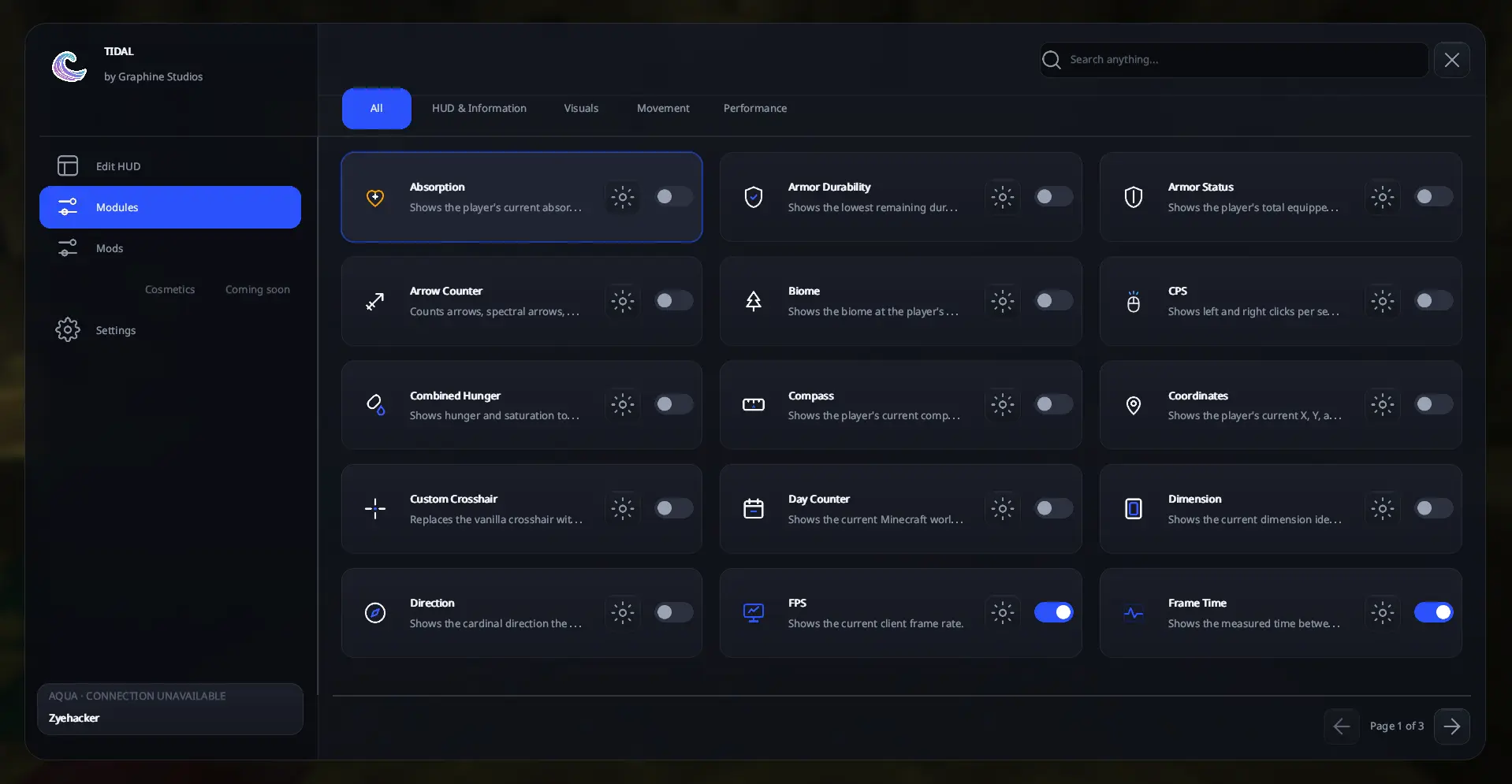
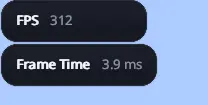
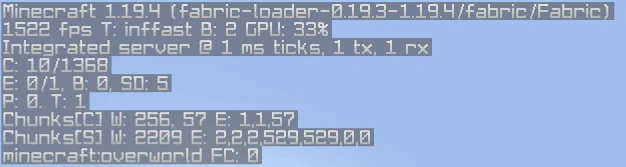
Aqua is a Minecraft Java client and launcher with a configurable HUD and in-game tools.
No client can guarantee the same frame rate on every computer or world. Aqua includes FPS Boost tools, but results depend on hardware, Minecraft version, settings, and installed mods.
Aqua supports Fabric and Forge. Check the Minecraft and loader versions selected for an instance before launching.
Download the package for your operating system from the Download page and follow the installer prompts for that release.
Aqua Client is free to download and use.
Visit the Aqua community on Discord for project questions and support.
No client can guarantee the same frame rate on every computer or world. Aqua includes FPS Boost tools, but results depend on hardware, Minecraft version, settings, and installed mods.
Aqua supports Fabric and Forge. Check the Minecraft and loader versions selected for an instance before launching.
Download the package for your operating system from the Download page and follow the installer prompts for that release.